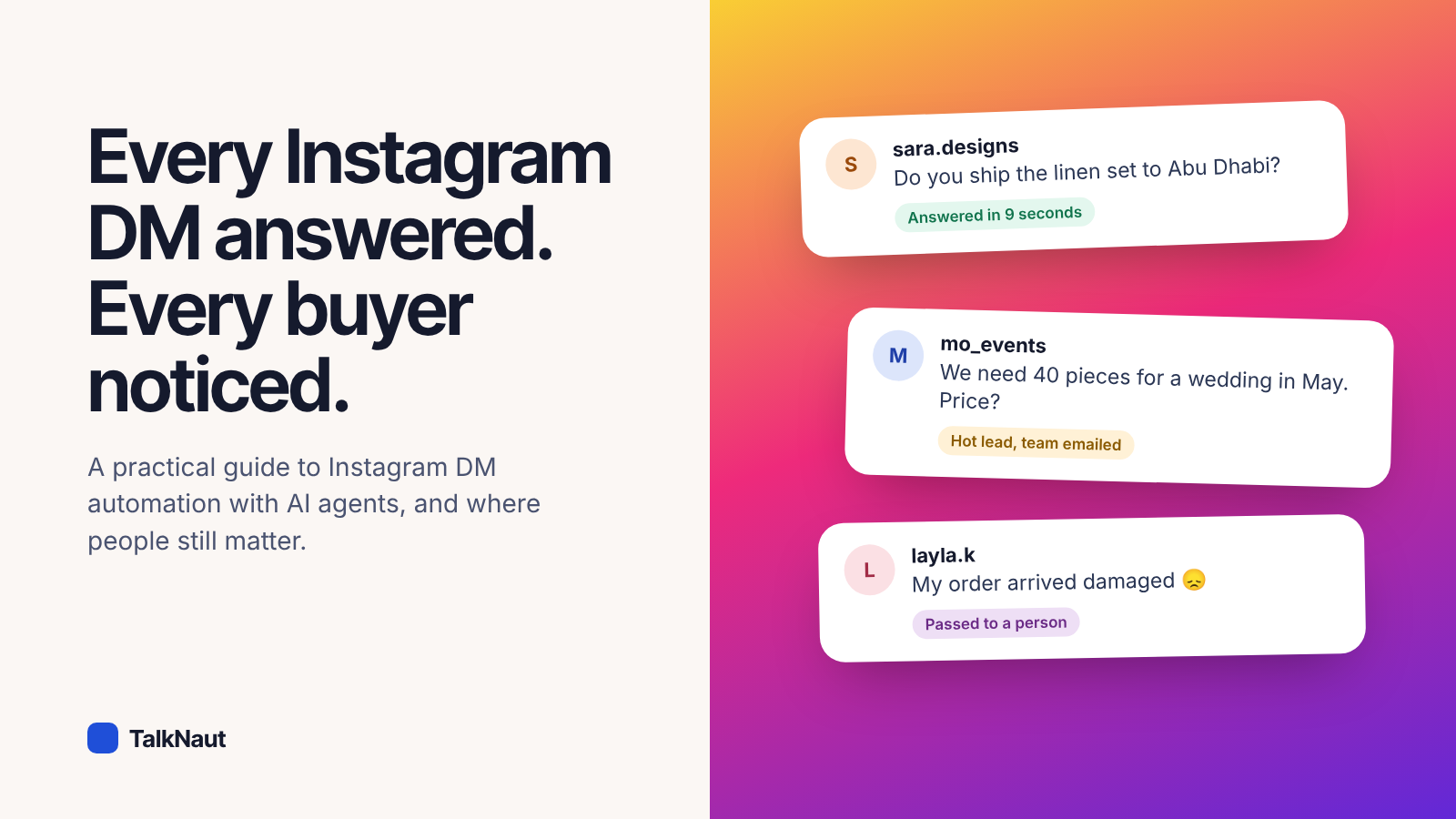
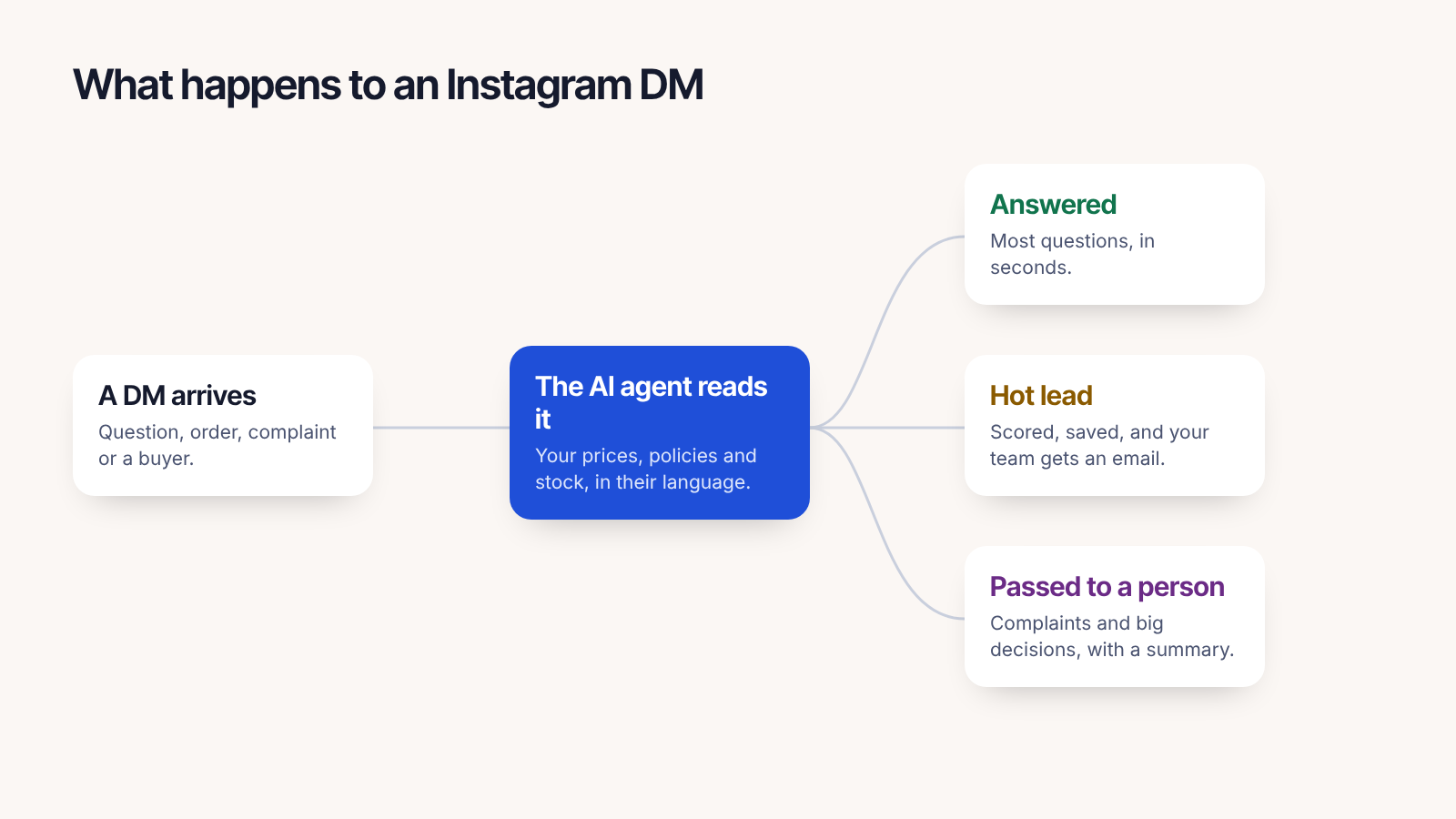
In short: Instagram DM automation uses Instagram's official messaging API, so it works with any Instagram professional account. Connect the account to an AI agent, give it your products and policies, and it answers new DMs in seconds, flags buyers who are ready to purchase, and passes complaints and big decisions to your team.
What people actually ask in your DMs
Look at your last fifty DMs. Most businesses find the same handful again and again: the price, whether something is available, sizes or colours, delivery time and cost, how to pay. These are exactly the questions an AI agent answers well, because the answers already exist on your website or price list.
The rest are the ones that need you: a damaged order, a custom request, a large group order, an unhappy customer. Good automation answers the first group instantly and makes sure the second group reaches a person quickly.
Before you start
- Your Instagram account must be a professional account (Business or Creator). Switching is free: in the Instagram app go to Settings, Account type and tools.
- Collect your answers in one place: product pages, a price list, delivery and returns rules.
- Decide who on your team should hear about hot leads and complaints.
Set it up in four steps
- Connect Instagram. In TalkNaut, open Connect apps, Instagram, and press Log in with Instagram. Approve the messaging permission.
- Give the agent your knowledge. Add your website and any price lists. The agent only answers from what you gave it.
- Choose who answers. Assign an agent, for example Layla for customer care in Arabic and English. You can add a second agent for sales, and they pass chats to each other like colleagues.
- Set the alerts. Create an automation: when a lead becomes high priority, email the people you choose. They get the customer's message, what they want and a button to open the chat.
What a good automated reply looks like
Short, specific and human. Compare:
"Thank you for your message! Our team will get back to you soon."
with:
"Hi Sara! Yes, the linen set ships to Abu Dhabi: AED 25, two working days. Which size would you like?"
The second one answers the question and moves the sale forward. That's the bar.
Where people should stay in charge
- Complaints. The agent apologises, collects the order number and photos, and passes the chat on. It never promises a refund on its own.
- Big or custom orders. It collects quantity, date and budget, flags the lead and lets your team quote.
- Anything the customer wants a person for. One message is enough.
Mistakes to avoid
- Pretending to be human. If a customer sincerely asks, the agent should say it's the shop's AI assistant.
- Answering from memory. Prices change. Make sure the agent reads your live price list, not a copy from last season.
- Ignoring the questions it couldn't answer. They show you what's missing from your website.
Frequently asked questions
Is Instagram DM automation allowed?
Yes, when it uses Instagram's official messaging API, which is what TalkNaut uses. Unofficial tools that log in as you or scrape your inbox break Instagram's rules and put your account at risk.
Does it work with personal Instagram accounts?
No. Instagram only allows messaging automation on professional accounts (Business or Creator). Switching is free and keeps your followers and posts.
Can it reply to story replies and comments?
Story replies arrive as DMs and are answered the same way. Replying to comments is a separate feature; many businesses invite commenters to continue in DMs.
How fast does the AI reply?
Usually within seconds. You can add a short, natural pause and a typing indicator so the reply doesn't feel robotic.
Will it reply when I'm already chatting with the customer?
No. When you reply yourself, from the Instagram app or the TalkNaut inbox, the agent stays quiet in that conversation until you hand it back.
Want to see it on your own account? Start free for 14 days.