Create and set up an AI agent
Five steps: the job, name and style, what it knows, where it answers, and a test. Plus brand name and personality.
Create an agent
- 1
AI agents → New agent → choose the job
Sell, answer questions, technical support, find serious buyers, or describe your own job (bookings, viewings…). The job decides how it talks and what it asks.
talknaut.com/app/agents/new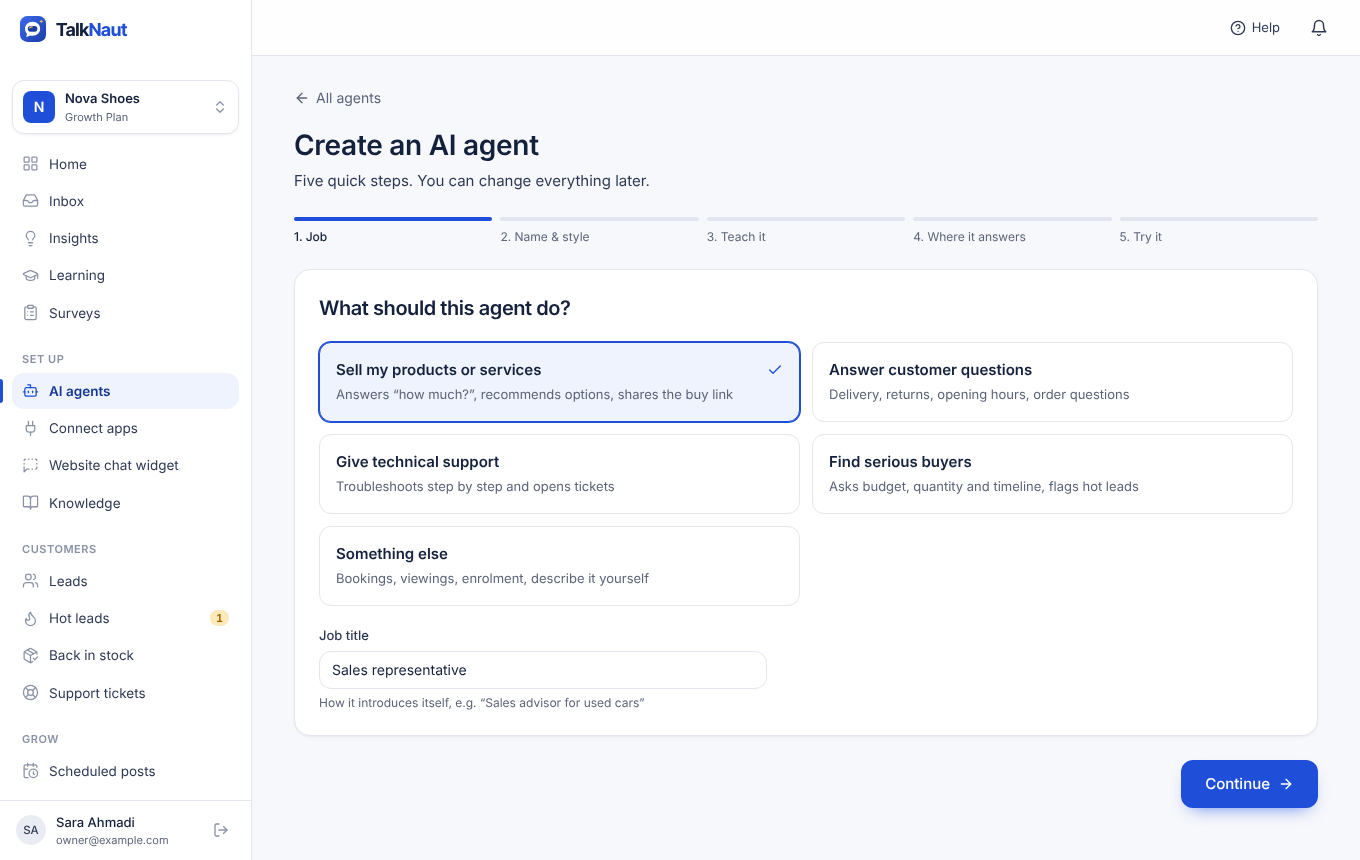 1
- 2
Name and style
A human first name works best (Emily, Omar). Choose the tone: friendly, formal, short. Agents introduce themselves once, then don’t repeat their name.
- 3
Teach it
Paste links, write notes or upload files. Everything in shared Knowledge is also available.
- 4
Where it answers
Tick the apps (each WhatsApp number, Instagram account, website chat…) this agent answers on.
talknaut.com/app/agents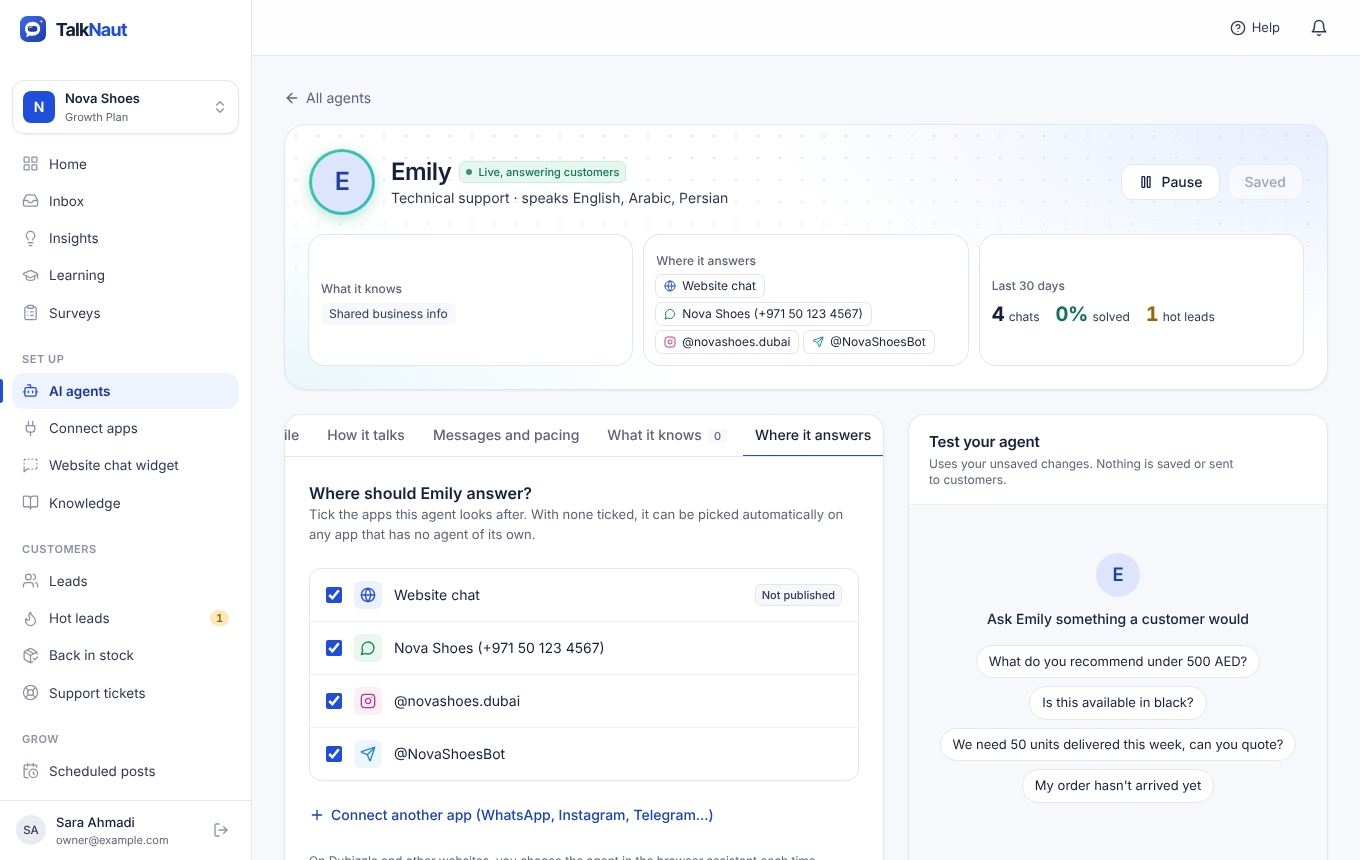
- 5
Try it and go live
Chat with it on the last step. When you’re happy, press Go live.
Change an agent later
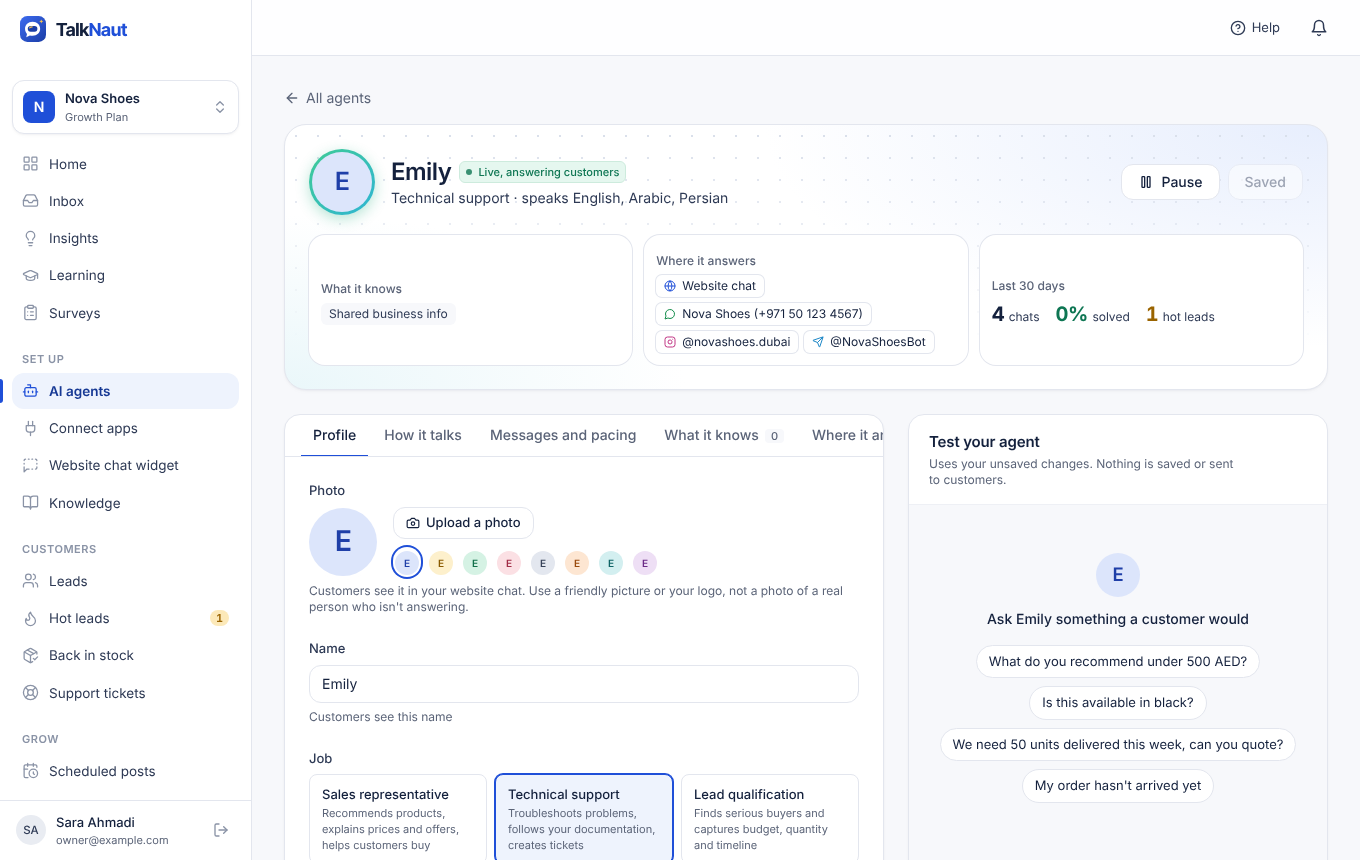
Open any agent to change its job, style, knowledge and apps. Under Brand, set the business name it uses when you run several brands:
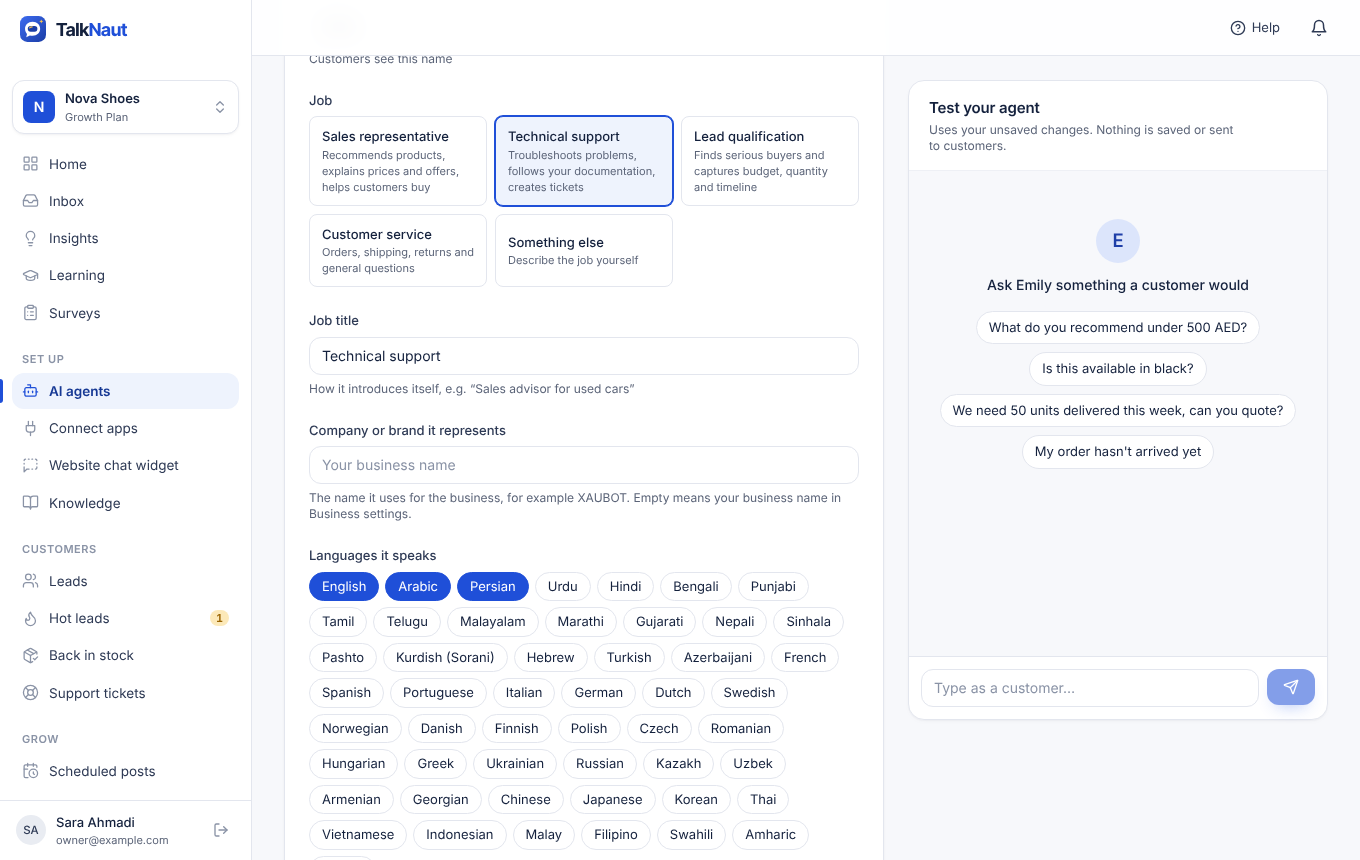
Common problems
Something not working? Find your message below.