Grow
Back-in-stock alerts
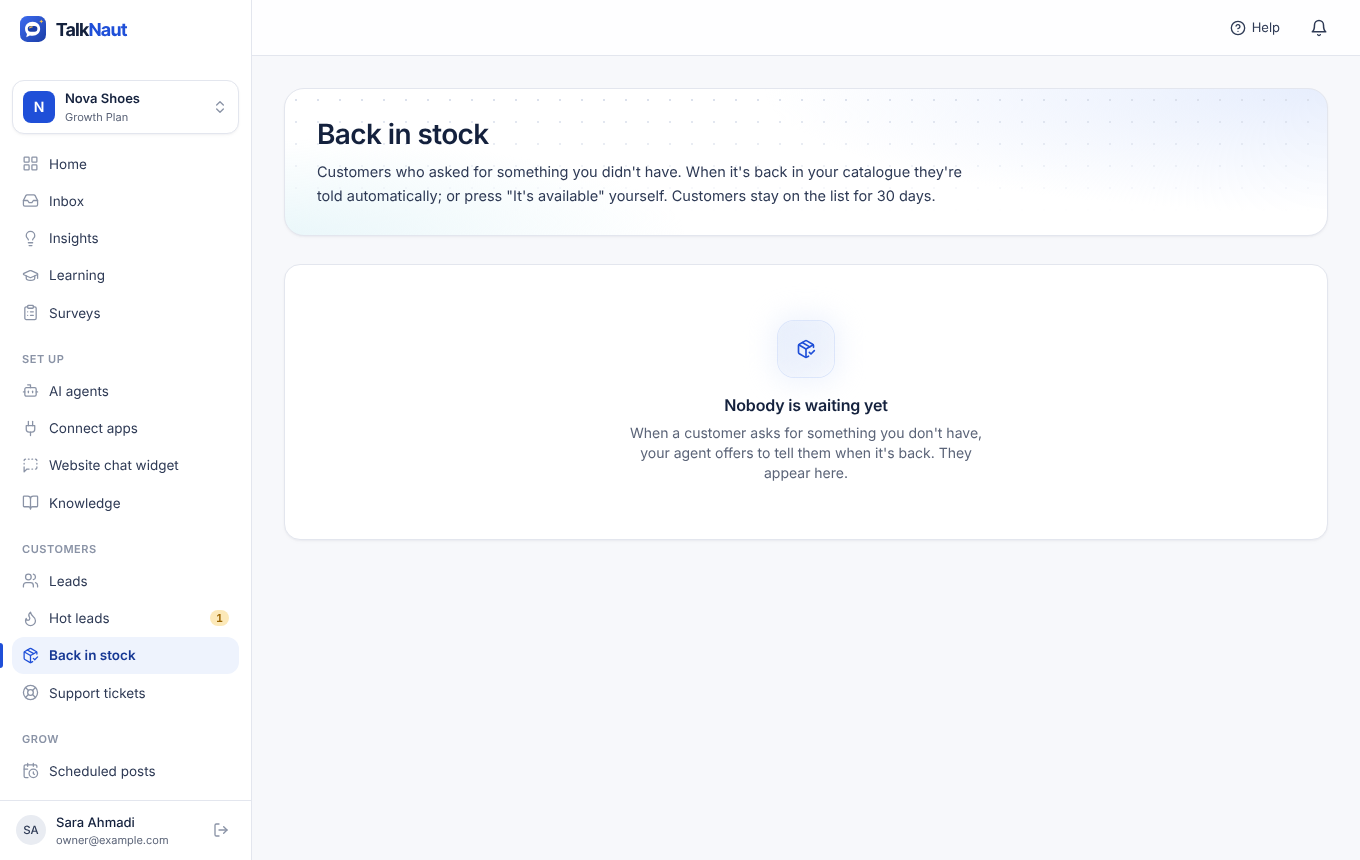
When a product is out of stock, the agent offers to tell the customer when it’s back. You mark it back and everyone is messaged.
How it works
“Size 43?”customer asks
Out of stockagent offers an alert
You mark it backBack in stock page
Everyone is toldon the app they used
talknaut.com/app/restock
 1
talknaut.com/app/settings
Common problems
Something not working? Find your message below.
Some WhatsApp customers weren’t messaged
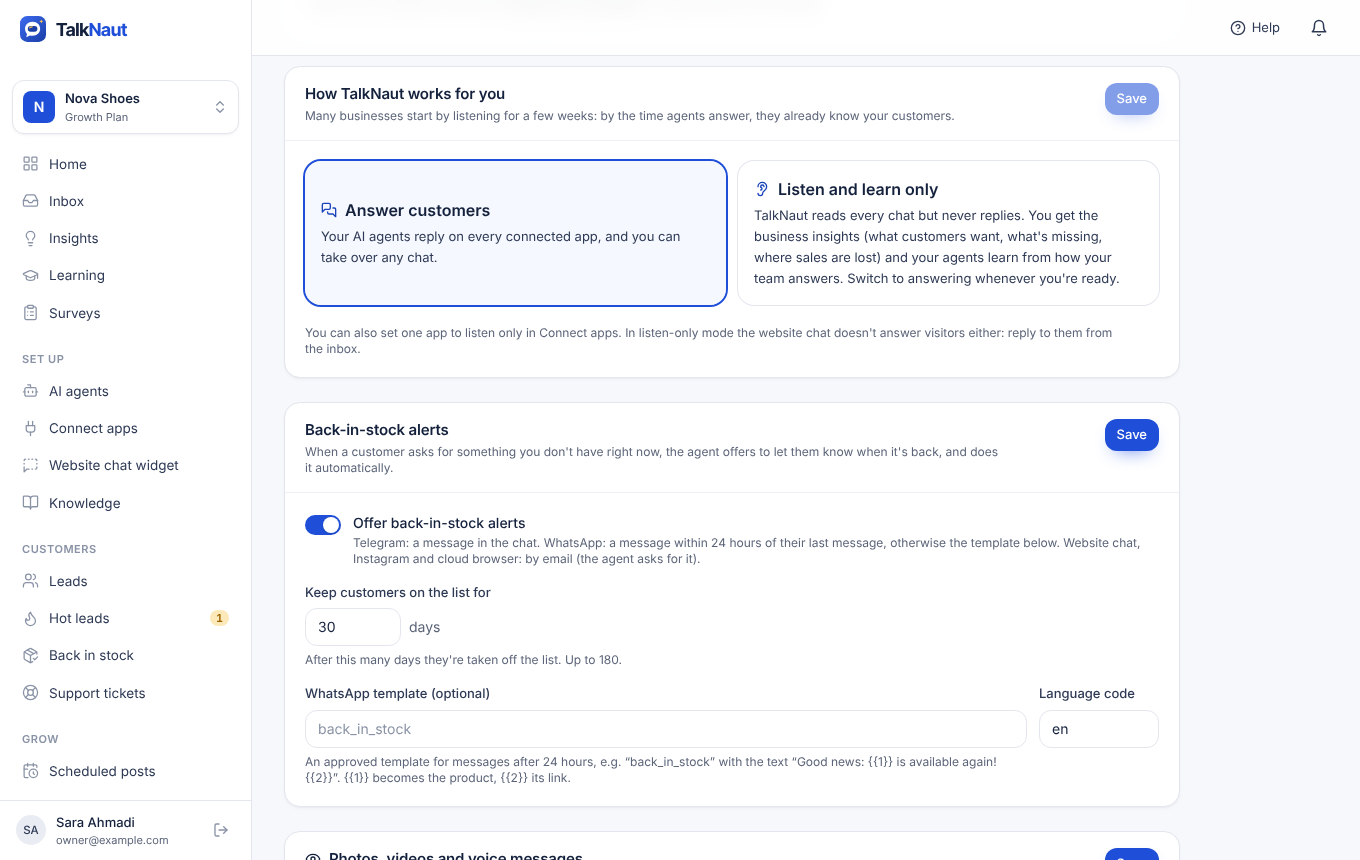
After 24 hours WhatsApp only allows templates. Choose a back-in-stock template in the settings, or those customers are skipped.
Related guides
Connect WhatsApp (WhatsApp Business app)Keep your number, your chats and your phone. You log in with Facebook, scan a QR code and your agent answers next to you.The inbox: see every chat and take overAll apps in one place. Read along, reply yourself, hand the chat back to the agent, and see what the customer wants.