Chrome extension for Dubizzle, WhatsApp Web and any website
Install the TalkNaut extension in Chrome so your agent can answer inside marketplaces and any chat website, from your computer.
- Google Chrome (or Edge or Brave) on a computer
- Your marketplace account logged in, in that browser
When to use it
Some websites (Dubizzle, Bayut, Property Finder, Facebook Marketplace and many others) don’t let other software read their chats. The extension works inside the page, like you would. It only works while your computer is on and the page is open; for 24/7, use a cloud browser.
Install the extension
- 1
Download it
Open Connect apps → Dubizzle & other websites → On your computer and click Download for Chrome. Unzip the file (double-click it on Mac, right-click → Extract all on Windows).
talknaut.com/app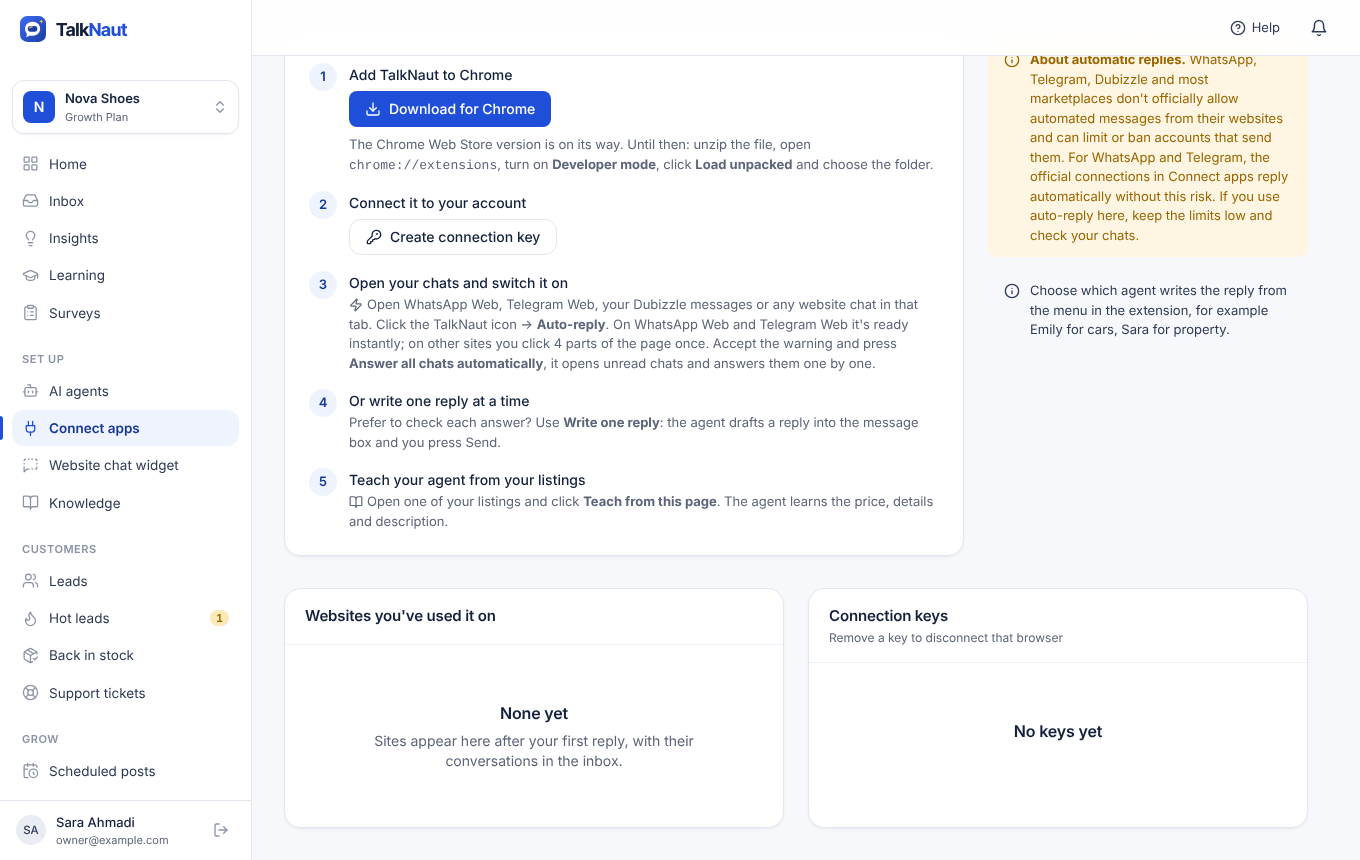 1
- 2
Load it in Chrome
Type
chrome://extensionsin the address bar. Turn on Developer mode (top right), click Load unpacked and choose the unzipped folder. Pin it with the puzzle icon.chrome://extensionsExtensionsDeveloper mode 1Load unpacked2Pack extensionUpdate3TalkNaut Assistant 2.10.0Replies on WhatsApp Web, Telegram Web, Dubizzle and any website chat.Then click the puzzle icon next to the address bar and pin TalkNaut, so its icon is always visible.
- 3
Connect it to your account
In TalkNaut click Create connection key and copy it. Click the TalkNaut icon in Chrome, paste the key and press Connect. Choose the agent.
TalkNautPaste the connection key from TalkNaut → Connect apps → Dubizzle & other websites.
tnk_8hQ2…pZConnectTalkNautConnected to Nova ShoesAgent: Emily (Sales)Auto-replyWrite one replyTeach from this page - 4
Open your chats and switch it on
Open WhatsApp Web, Telegram Web or your marketplace messages. Click the TalkNaut icon → Auto-reply. On marketplaces you click 4 parts of the page once (the chat list, the messages, the text box, the send button) so it learns the layout. Then press Answer all chats automatically to work through unread chats one by one.
Three ways to use it
Answers new messages on its own while the page is open.
Drafts a reply into the message box. You read it and press Send.
Open one of your listings and click it: the agent learns the price and details.
Common problems
Something not working? Find your message below.
“Load unpacked” isn’t there
Chrome says “Manifest file is missing”
manifest.json.